Mastering the Pop 3d Editable Text Effect Style for Professional Designs
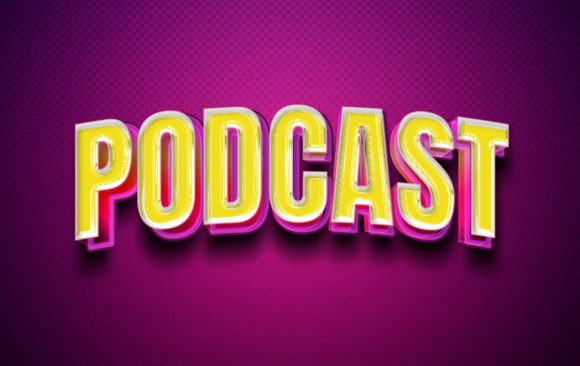
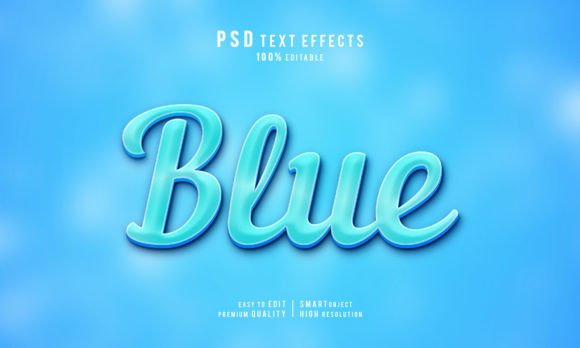
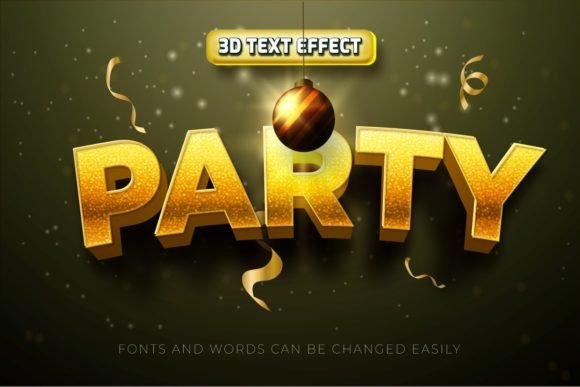
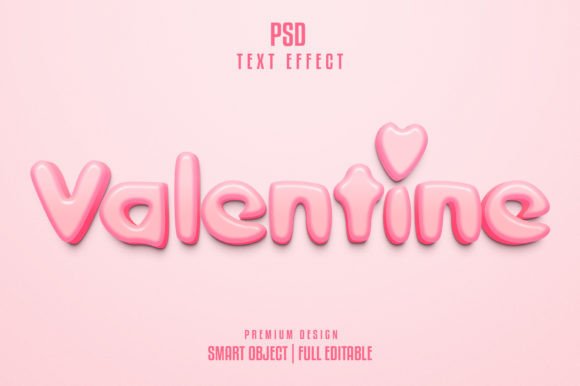
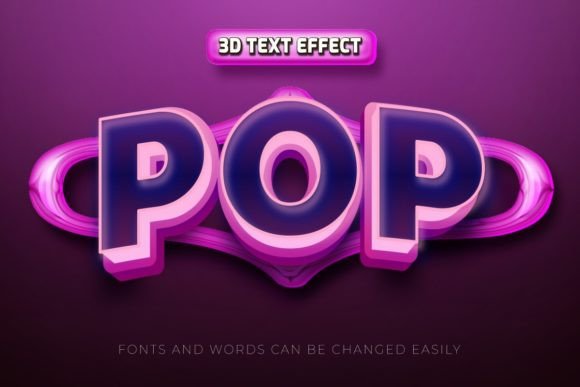
There is a distinct moment in the design process where flat typography simply stops carrying the weight of your message. Whether you are crafting a YouTube thumbnail that needs to stop a scroll, designing a flyer for a local event, or building a web banner for a new product launch, depth and dimension often make the difference between being ignored and being noticed. This is where the Pop 3d Editable Text Effect Style becomes an invaluable asset. It offers a shortcut to high-end typography without requiring hours of manual layering, shading, and extruding in Adobe Illustrator. However, simply downloading a template is not a guarantee of success. Many creators, from seasoned freelancers to small business owners, stumble over avoidable technical pitfalls that diminish the quality of their final output. Understanding how to properly leverage these customizable templates is key to maintaining efficiency and professional standards.
The Illusion of Instant Perfection
The primary appeal of these text effect templates lies in their promise of speed. You type your text, change the font, and instantly achieve a polished, three-dimensional look. The files typically come as high-resolution EPS vectors compatible with Adobe Illustrator, often accompanied by JPG previews at 300 DPI in RGB color mode. While the workflow is indeed faster than building a 3D effect from scratch, a common misunderstanding is that "editable" means "indestructible." Users often assume they can swap any font into the system and expect the 3D extrusion to wrap perfectly around every character. This is rarely the case.
When you select a font that is significantly wider, narrower, or more intricate than the original font used in the template, the pre-set lighting and depth settings may clash with the new letterforms. Thick strokes might merge awkwardly, or thin serifs might lose their definition against the shadow layers. To avoid this, always preview your text in the target font before committing to the full effect. If the geometry looks off, you may need to manually adjust the stroke width or simplify the font choice. Remember, the goal is legibility and impact, not just applying a filter.
Navigating Font Licensing and Compatibility
One of the most overlooked details when downloading free or paid text effect resources is the status of the fonts themselves. Most Pop 3d Editable Text Effect Style packages include a help file with links to download the specific free fonts used in the demonstration. A critical mistake many beginners make is ignoring these links or substituting a similar-looking font from their own library without checking the license.
If you are creating commercial work for a client, such as a magazine cover or a corporate poster, using an unlicensed font can lead to serious legal and financial repercussions. Even if the text effect file itself is free for commercial use, the font embedded within it might not be. Always verify the licensing terms of the typography before finalizing your design. Furthermore, ensure the font supports the character set you need. Some free fonts lack extensive glyph sets, missing currency symbols, accented characters, or punctuation marks required for international audiences. Replacing a missing character with a default system font breaks the visual consistency of the 3D effect, ruining the professional polish you aimed to achieve.
Resolution Myths and Vector Scalability
Marketing materials for these templates often highlight "High Resolution JPG" and "300 DPI," which can confuse users about the actual nature of the file. It is vital to understand that the core value of these templates is the EPS vector file, not the JPG preview. Vectors are mathematically defined paths, meaning they are infinitely scalable. You can resize the text from a business card to a billboard without losing a single pixel of quality.
A frequent error occurs when designers rasterize the effect too early in the process. Some users open the EPS, type their text, and immediately export it as a PNG or JPG at screen resolution for a quick social media post. Later, when they need that same graphic for a printed flyer, they realize they no longer have the scalable source file, or they have saved over it. Always keep a master copy of the editable Illustrator file. Work non-destructively. Only rasterize or flatten the image once the design is completely finalized and you have exported versions for all intended uses. This practice ensures you never have to recreate the effect from scratch due to a change in dimensions or medium.
Color Management and Output Intent
Most downloadable text effect packs are provided in RGB color mode, optimized for digital screens like YouTube thumbnails, web banners, and digital magazines. This creates a vibrant, glowing look that pops on monitors. However, problems arise when these files are sent directly to a professional printer without conversion. Printers generally require CMYK color profiles. When an RGB file with bright neons or deep blues is converted to CMYK during the printing process, the colors can shift dramatically, often appearing dull or muddy.
To prevent disappointment, check your project requirements before you begin. If your end goal is print, convert your document color mode to CMYK in Adobe Illustrator before applying the text effect, or be prepared to manually adjust the color values after conversion. Additionally, pay attention to the lighting angles built into the 3D style. These templates usually have a fixed light source. If you place this text onto a background photo that has a conflicting light direction, the composite will look fake and disjointed. Take a moment to match the template's lighting angle to your background image, or choose a background that complements the existing shadows and highlights of the text effect.
Making the Right Choice for Your Project
Before integrating a Pop 3d Editable Text Effect Style into your workflow, ask yourself a few practical questions. Does the style match the tone of your brand? A bubbly, cartoonish 3D effect might work wonders for a children's event poster but could undermine the credibility of a financial services brochure. Context is everything. Also, consider the complexity of your background. These effects shine brightest when there is enough contrast to let the shadows and highlights breathe. Placing busy 3D text over a cluttered image can result in visual noise that confuses the viewer.
Ultimately, these templates are powerful tools for enhancing communication, not just decoration. They allow entrepreneurs, educators, and content creators to elevate their visual presence without needing a degree in graphic design. By respecting the technical limitations regarding fonts, maintaining your vector source files, and managing color spaces correctly, you ensure that your designs remain crisp, professional, and effective across all platforms. Treat these resources as a foundation to build upon, rather than a magic button, and your results will consistently reflect a higher standard of quality.